
What to remove by hand
These traces come from the BleepingComputer write-up of 2 August 2015 and may differ in newer builds.
On Windows, check Settings > Apps > Installed apps for a Linkury or Safe Finder entry, and the uninstall key {BC9CE0C9-528D-4EB4-84AD-5CB1FF57F642}. Also check the service SaveService.
Folders named in that write-up: C:\ProgramData\SaveService\ (with SaveService.exe and dbsdp2mm.dll), C:\ProgramData\SaveServices\, C:\ProgramData\CloudPrinter\, C:\ProgramData\Medotity\, C:\ProgramData\Medotitys\, C:\Program Files (x86)\Common Files\Softgois\ and C:\Program Files\Common Files\v2nbem4o.dqk\.
Registry values it changed: the AppInit_DLLs value under HKLM\SOFTWARE\Microsoft\Windows NT\CurrentVersion\Windows pointed at dbsdp2mm.dll. In Internet Explorer settings, Start Page, Search Page, Search Bar, Default_Search_URL and the scope {ielnksrch} pointed to the hijacker. Back up the registry before editing, and ask for help if unsure.
Domains seen in those values:
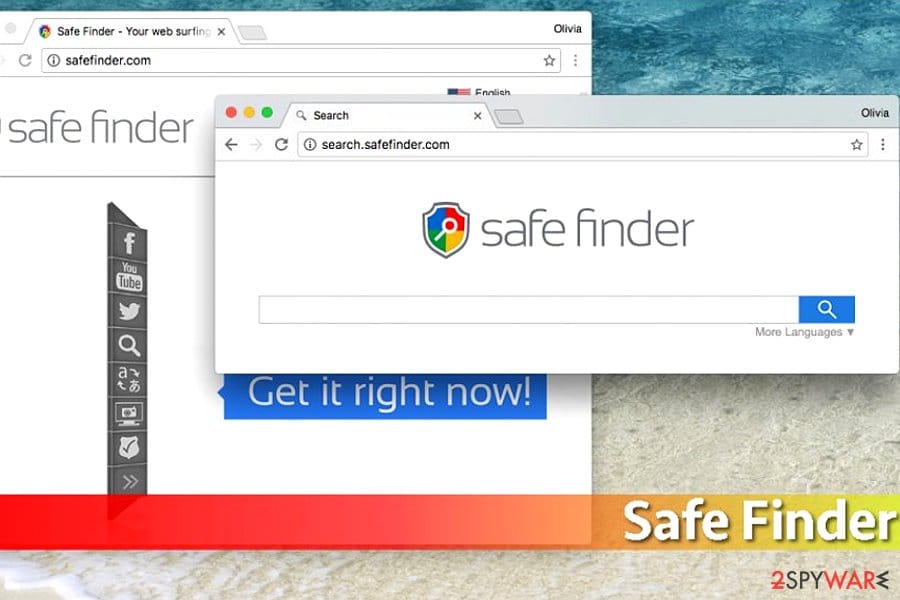
search.safefinder.comfeed.sonic-search.comfeed.snapdo.com
Other names reported for the family:
search.safefinder.bizsearch.safefinder.infoisearch.safefinder.netsearch.safefinderformac.com
If you use a hosts file or a router filter, these are candidates to block.
On Mac, reports name the folders /Library/Application Support, ~/Library/LaunchAgents, /Library/LaunchAgents and /Library/LaunchDaemons, plus configuration profiles under System Settings > Profiles, and a browser extension with a magnifying glass icon. We found no fixed file names, so look for recently added items you do not know.
If you find nothing from this list, look in the places that never lie:
- the browser extensions page
- Task Scheduler
- the installed apps list
- the startup apps list
Our removal plan above gives the clicks for each.