
What people mean by a virus, and what you probably have
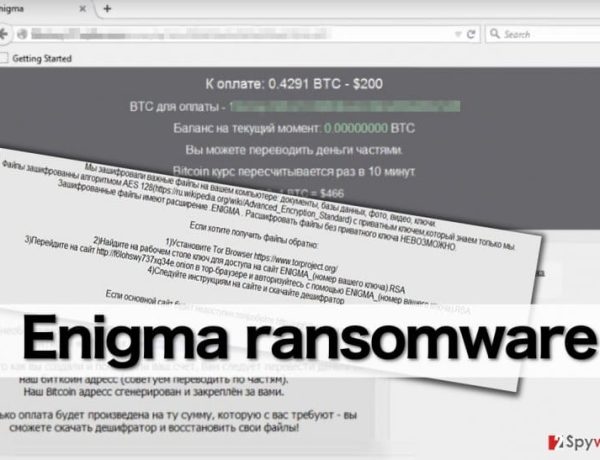
People search for “how to get rid of a virus on my computer” when something looks wrong: the PC is slow, the browser shows ads, a window says the machine is infected, or files will not open. In daily speech “virus” covers every kind of unwanted software. Strictly, a virus is only one kind of malware, the kind that copies itself into other files. Most of what readers meet today is something else: a trojan that came with a download, adware, a browser hijacker, an information stealer or ransomware.
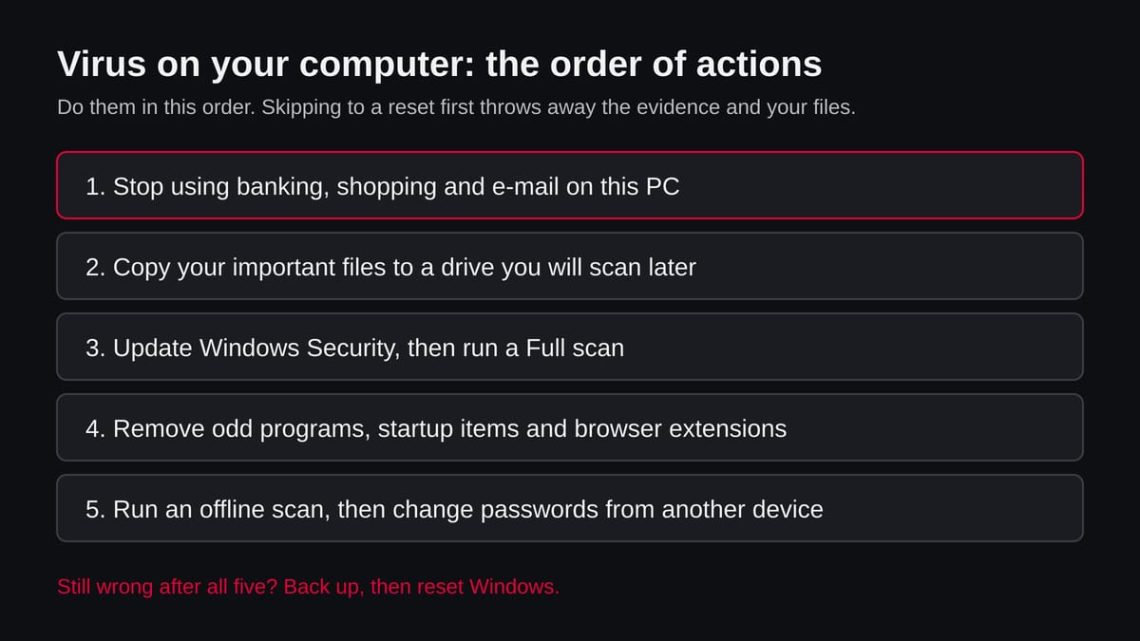
The steps below work for all of these on Windows 11 and Windows 10, because they follow one idea: find out what runs, remove what should not, and make sure nothing starts it again.
This page is not about one named threat. It is about the general case, so some steps ask you to look and decide. We say where the answer is unknown and where a symptom has a harmless cause.
- What it covers
- Any unwanted software on a Windows PC: viruses, trojans, adware, hijackers, stealers, ransomware
- What you need
- Windows Security (built into Windows 11 and 10), about an hour, and a second device or phone for password changes
- What it does not cover
- Mac, iPhone and Android have different steps; a scam message you only read and did not act on
- Our check
- No site or file was tested for this page. It is a general guide built from Microsoft and FTC pages we read on 9 November 2026