
What to remove by hand
Names differ between samples, so not every item will exist on your PC.
These are the files named by BleepingComputer and Trend Micro. On the Desktop:
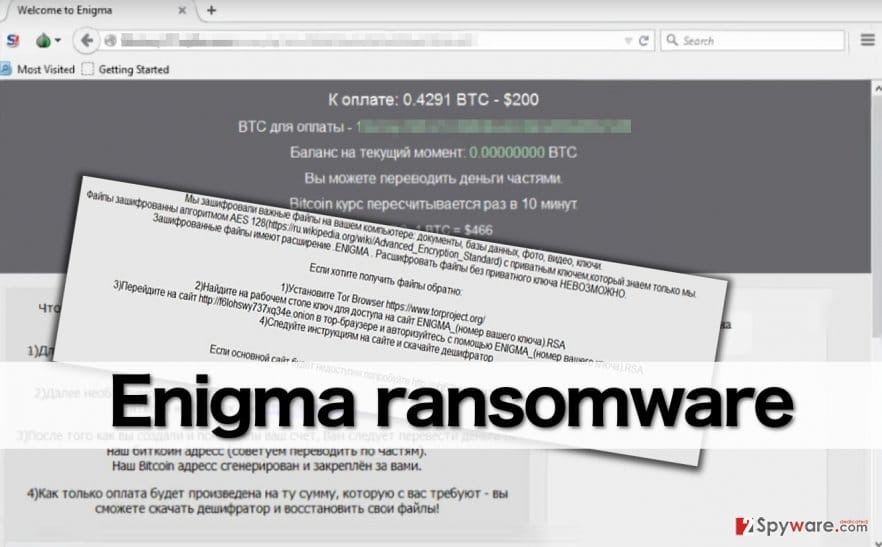
enigma.htaenigma_encr.txtallfilefinds.dat- the key file
ENIGMA_.RSA
Later builds are reported to use notes named enigma_info.txt and E_N_I_G_M_A.txt.
Other files: %AppData%\testStart.txt and %Temp%\testttt.txt are debug files. Trend Micro names %Temp%\b815_appcompat.txt. The program itself was seen as %UserProfile%\Downloads\3b788cd6389faa6a3d14c17153f5ce86.exe and, in another sample, as an .exe on the Desktop. Check the Downloads and Desktop folders for unknown programs sorted by date.
Registry: under HKEY_CURRENT_USER\Software\Microsoft\Windows\CurrentVersion\Run look for the values MyProgram, which points to the ransomware program, and MyProgramOk, which points to enigma.hta. Delete both. Trend Micro adds that the malware changes Internet Explorer zone settings, but it names no key, so we cannot list one.
We found no scheduled task, service, browser extension, hosts file line or policy for this family. If a scan still finds something, look in Task Scheduler, Settings > Apps > Startup apps and Installed apps. Use our removal procedures in the plan above for the clicks. Delete the key file only after you have copied it elsewhere.